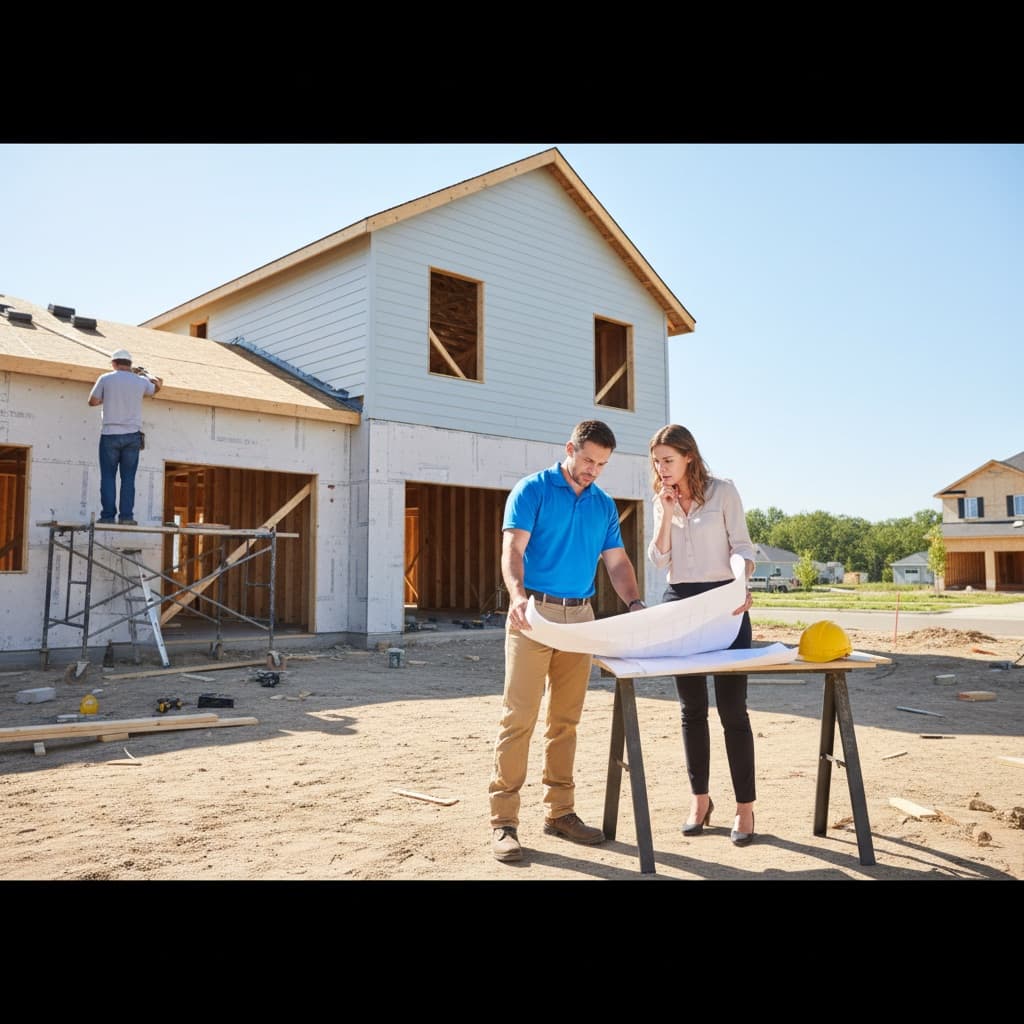
Architectural review is one of the most important functions of an HOA board, and one of the most frequently mismanaged. In single-family home communities, the volume and variety of requests is substantial — homeowners want to add decks, replace fencing, repaint exteriors, install solar panels, modify landscaping, build accessory dwelling units, or add outdoor living spaces. Each request needs to be evaluated against the community's CC&Rs and architectural guidelines. A well-run review process protects property values and maintains the community's visual character. A poorly run one creates resentment, delays, and legal disputes.
The traditional architectural review process is paper-based: a homeowner fills out a form, attaches sketches or photos, drops it at the board president's door, and waits. The request sits in someone's inbox or kitchen counter until the next board meeting. The board discusses it, maybe asks for more information, and eventually sends a letter with the decision. The process can take weeks or months, with the homeowner left in the dark the entire time.
Digitizing this process solves nearly every common complaint about architectural reviews. Here is how to do it.
Common Problems with Traditional Architectural Reviews
Understanding the problems helps you design a better process.
Unclear Requirements
Homeowners often do not know what information the board needs to review a request. They submit incomplete applications, which delays the process while the board requests additional materials. Meanwhile, the homeowner is frustrated by the back-and-forth.
Lost Applications
Paper applications get misplaced. Email applications get buried in inboxes. Without a centralized system, there is no reliable way to track what has been submitted, what is under review, and what is waiting for a decision.
Inconsistent Decisions
Without a record of past decisions, boards sometimes approve a request for one homeowner and deny a similar request for another. This inconsistency undermines the board's credibility and can create legal exposure.
Communication Gaps
Homeowners frequently complain that they have no idea where their request stands. Is it being reviewed? Does the board need more information? Has a decision been made? Lack of status updates is the single biggest source of frustration.
Missed Deadlines
Many governing documents specify a timeframe for the board to respond (commonly 30 days). If the board fails to respond within that window, the request may be automatically approved by default. Without deadline tracking, boards miss these windows — approving modifications they might otherwise have denied or requested changes to.
Setting Up a Digital Review Process
Step 1: Create a Standardized Online Submission Form
Replace paper forms with an online submission system. The form should collect all the information the board needs to make a decision, upfront. Required fields typically include the following.
- Property address: Automatically filled if the homeowner is logged into your HOA portal.
- Description of proposed change: A text field where the homeowner describes what they want to do.
- Category: Fencing, landscaping, exterior paint, structural addition, solar, roofing, or other. Categories help the board route requests to the right reviewer.
- Supporting documents: File upload for photos of the current state, renderings or sketches of the proposed change, material samples or specifications, and contractor bids or plans.
- Timeline: When the homeowner plans to start and complete the work.
A well-designed form with clear field labels and help text dramatically reduces incomplete submissions. Platforms like Effortless HOA include built-in architectural review submission forms that are pre-configured with these fields.
Step 2: Implement Automated Status Tracking
Every request should move through a clear set of statuses that are visible to both the board and the homeowner.
- Submitted: The homeowner has submitted the request. The system sends an automatic confirmation email with a reference number.
- Under Review: A board member has picked up the request. The system notes the review deadline based on your governing documents.
- Additional Information Requested: The board needs more detail. The system sends a notification to the homeowner with specific questions or document requests.
- Approved / Approved with Conditions / Denied: The board has made a decision. The system notifies the homeowner with the decision and any conditions or reasoning.
Homeowners should be able to check the status of their request at any time through the online portal without having to call or email a board member.
Step 3: Set Up Automated Notifications
Configure email notifications at each stage of the process.
- For homeowners: Confirmation of submission, notification when the review begins, requests for additional information, and the final decision.
- For board members: Alert when a new request is submitted, reminder when a review deadline is approaching (for example, 7 days before the 30-day window expires), and summary of pending requests before each board meeting.
Automated notifications eliminate the most common communication complaint. Homeowners always know where their request stands, and board members never forget about a pending review.
Step 4: Build a Decision Archive
Every architectural review decision should be recorded with the full details: what was requested, what documents were submitted, who reviewed it, what the decision was, and the reasoning behind it. This archive serves three critical purposes.
First, it ensures consistency. When a new request comes in for a similar modification, the board can reference past decisions to ensure they are applying standards uniformly. Second, it provides legal protection. If a denied request is challenged, the board has a documented record of the decision-making process. Third, it preserves institutional knowledge. When board members turn over, the archive ensures that new members can understand past decisions and maintain consistency.
Step 5: Establish Clear Review Guidelines
Document the standards and criteria the board uses when reviewing requests. These guidelines should reference your CC&Rs and architectural standards but translate them into practical, specific criteria.
For example, instead of a vague standard like "fences must be in keeping with the community aesthetic," provide specific guidance: "Fences must be wood or vinyl, between 4 and 6 feet in height, in white, natural cedar, or gray finish. Chain link fences are not permitted in front or side yards." Similarly, for exterior paint, specify approved color palettes rather than relying on subjective terms like "earth tones" — list the actual manufacturer colors and finishes that are pre-approved.
Publish these guidelines on your HOA portal so homeowners can review them before submitting a request. Clear guidelines reduce the number of requests that need to be denied and help homeowners design modifications that will be approved on the first submission.
Best Practices for Board Review
Assign a Review Coordinator
Designate one board member (typically the vice president or the chair of the architectural review committee) as the coordinator for all requests. This person triages new submissions, assigns reviews, and ensures deadlines are met. Having a single point of coordination prevents requests from falling through the cracks.
Review Requests Between Meetings
Do not wait for the monthly board meeting to review architectural requests. Homeowners should not have to wait 30 days for a straightforward request like a paint color change. Empower the review coordinator to approve simple requests between meetings, with full board review reserved for significant modifications.
Provide Reasoning for Denials
When a request is denied, explain why with specific reference to the governing documents or architectural guidelines. A denial that says "not approved" creates conflict. A denial that says "the proposed fence material (chain link) is not permitted under Section 7.3 of the CC&Rs; approved materials include wood and vinyl" is clear, defensible, and gives the homeowner a path to resubmit with compliant materials.
Track Completion
After a request is approved, follow up to verify that the actual modification matches what was approved. This does not require a formal inspection — a drive-by or photo submission is usually sufficient. Tracking completion protects the community from unauthorized changes and ensures approved modifications are implemented as planned.
Measuring Improvement
After digitizing your review process, track these metrics to measure improvement.
- Average review time: From submission to decision. Target: under 14 days for standard requests.
- First-submission approval rate: Percentage of requests approved without requesting additional information. Higher rates indicate that your guidelines and submission form are clear.
- Homeowner satisfaction: Survey homeowners who have gone through the review process. Ask about clarity, communication, and timeliness.
- Deadline compliance: Percentage of reviews completed within the timeframe specified by your governing documents. Target: 100%.
The Bottom Line
A streamlined architectural review process is one of the most visible improvements an HOA board can make. It directly affects homeowner satisfaction, protects property values, and reduces the board's legal risk. Digitizing the process with purpose-built tools eliminates the most common problems — lost applications, missed deadlines, communication gaps, and inconsistent decisions — while creating a professional, transparent experience for homeowners and board members alike.