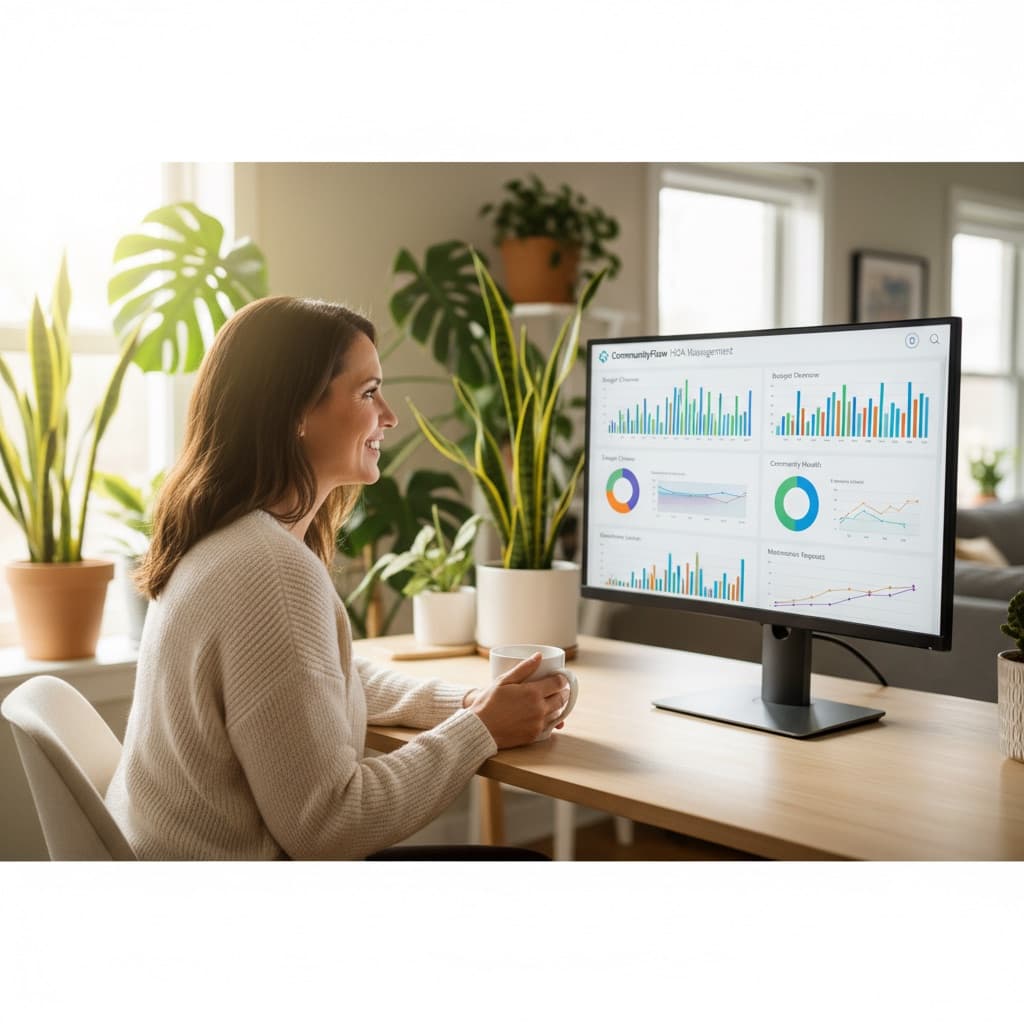
Running a homeowners association involves juggling dozens of responsibilities: collecting dues, maintaining common areas, enforcing CC&Rs, organizing community events, managing vendor relationships, and keeping homeowners informed. For decades, boards handled all of this with spreadsheets, paper checks, and email chains. That approach worked when communities were small and expectations were low. In 2026, it no longer does.
HOA management software is purpose-built technology that centralizes these operations into a single platform. It replaces the patchwork of disconnected tools — the shared Google Drive, the treasurer's Excel file, the board president's personal email — with a unified system that every board member and homeowner can access.
Why HOA Management Software Matters Now
The shift toward digital HOA management accelerated dramatically over the past few years. Homeowners now expect the same convenience from their HOA that they get from every other service: online payments, instant notifications, and self-service access to information. Boards that still require mailed checks or in-person meetings for routine tasks face growing frustration from residents — especially younger homeowners who have never written a physical check.
Beyond resident expectations, the regulatory environment has become more complex. States like Washington (RCW 64.38, the Homeowners' Association Act) and Oregon (ORS Chapter 94, the Planned Communities Act) require specific financial reporting, transparent budgeting processes, and documented communication with homeowners. Software that automates these requirements saves boards from compliance headaches and potential legal exposure.
Key Features to Look For
Not all HOA software is created equal. When evaluating platforms, focus on the features that will have the biggest impact on your community's daily operations.
Online Dues Collection and Payment Processing
This is the single most impactful feature for most HOAs. Online payment processing eliminates the delays and errors of manual check processing, dramatically improves on-time payment rates, and gives homeowners the flexibility to pay by credit card or ACH transfer. The best platforms also support autopay enrollment, automated payment reminders, and automatic late fee calculation.
Look for software that integrates with established payment processors like Stripe rather than handling payments through proprietary systems. Established processors provide better security, lower fraud rates, and more reliable transaction processing.
Financial Reporting and Transparency
Your treasurer needs clear, accurate financial reports without spending hours in Excel. Good HOA software generates aging reports (showing who owes what and for how long), revenue summaries, expense tracking, and year-over-year comparisons. The best platforms make these reports available to the full board in real time, so everyone is working from the same numbers.
Document Management
Every HOA accumulates a mountain of documents: CC&Rs, bylaws, meeting minutes, budgets, vendor contracts, insurance certificates, and architectural guidelines. A centralized document management system ensures that these files are organized, searchable, and accessible to the people who need them. Homeowners should be able to find governing documents on their own without emailing the board.
Communication Tools
Effective communication is the difference between a well-run community and a contentious one. Look for platforms that include community message boards, board announcements, email notifications, and survey tools. The goal is to give the board multiple channels to reach homeowners while giving residents a way to participate in community discussions.
Architectural Review Management
If your community has CC&Rs that regulate property modifications, you need a system to manage the review process. Online submission forms, document upload capabilities, status tracking, and automated notifications keep the process transparent and reduce disputes. Tools like Effortless HOA make this easier by digitizing the entire workflow from submission to board decision.
Event Management
Community events build engagement, but organizing them without proper tools creates unnecessary work. Look for RSVP tracking, event calendars, reminder emails, and invitation management. These features turn event planning from a chore into a simple, repeatable process.
How to Evaluate Your Options
With dozens of HOA management platforms on the market, choosing the right one requires a structured approach.
Start with Your Pain Points
Make a list of the three to five biggest operational challenges your board faces. If late dues payments are your primary problem, prioritize platforms with strong payment processing and automated reminders. If homeowner complaints about lack of transparency are the issue, focus on platforms with robust communication and reporting tools.
Consider Your Community Size
A 30-home neighborhood has different needs than a 400-lot master-planned community. A single-family home HOA in the Pacific Northwest with quarterly assessments of $800 and 40 architectural reviews a year has different priorities than a small townhome association with minimal common areas. Some platforms charge per-unit, making them expensive for larger communities. Others offer flat-rate pricing that becomes more economical at scale. Make sure the pricing model works for your specific situation.
Evaluate the Homeowner Experience
The software needs to work for board members and homeowners. Request a demo of the homeowner portal and evaluate whether it is intuitive enough that residents will actually use it. The best admin tools in the world are worthless if homeowners refuse to engage with the platform.
Check Integration Capabilities
Your HOA software should integrate with your existing tools — your bank, your email provider, your accounting system. Ask about API availability, data export options, and specific integrations with the services you already use.
Implementation Checklist
Once you have selected a platform, a methodical rollout ensures adoption and minimizes disruption.
- Data migration: Import your homeowner directory, property records, and financial history. Most platforms offer CSV import tools for bulk data loading.
- Configure settings: Set up your dues structure, late fee policies, communication preferences, and branding. This is the time to standardize processes that may have been informal before.
- Board training: Every board member should complete a walkthrough of the admin features before launch. Assign specific responsibilities (who manages finances, who handles communications, who reviews architectural requests).
- Homeowner onboarding: Send a clear, simple introduction email to all homeowners with login instructions, a quick-start guide, and information about the benefits of the new system (especially online payments).
- Gradual transition: Run the new system alongside your existing processes for one to two billing cycles. This gives you a safety net while building confidence in the new platform.
- Gather feedback: After 30 days, survey both board members and homeowners about their experience. Use this feedback to adjust settings and address any issues.
The Bottom Line
HOA management software is no longer optional for communities that want to operate efficiently and meet resident expectations. The right platform reduces board workload, improves financial transparency, and gives homeowners the modern experience they expect. The key is choosing software that matches your community's specific needs and committing to a thoughtful implementation process.
Whether you are evaluating your first platform or considering a switch from an outdated system, take the time to assess your needs, compare options, and plan your rollout carefully. Your future board members — and your homeowners — will thank you.